
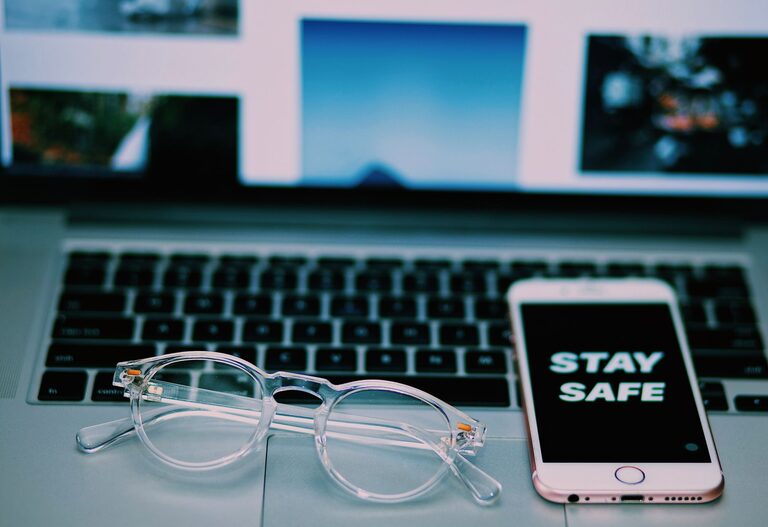
Keeping your phone and keyboard clean is important for both hygiene and device performance. These frequently used items can accumulate dust, dirt, and germs, which can affect their functionality and your health. However, cleaning them improperly can lead to damage. In this guide, you’ll find simple, safe, and effective methods to clean your phone and keyboard without causing harm.
Why Cleaning Your Phone and Keyboard Matters
Phones and keyboards are exposed to constant contact with hands, surfaces, and the environment. This exposure makes them hotspots for germs and allergens. Regular cleaning:
– Reduces bacteria and viruses on the surfaces
– Improves device responsiveness and appearance
– Prevents dust buildup that can interfere with keys or buttons
Now, let’s explore how to clean your phone and keyboard step by step.
Preparing to Clean Your Devices
Before you start cleaning, take a few preparatory steps:
- **Turn off your device** – Power down your phone and unplug your keyboard or turn off your wireless keyboard to avoid accidental inputs or electrical issues.
- **Remove accessories** – Detach any phone cases, keyboard covers, or external attachments for thorough cleaning.
- **Gather supplies** – Use only safe materials to prevent damage:
– Microfiber cloths
– Cotton swabs
– Mild soap or gentle screen-safe cleaning solution
– Isopropyl alcohol (70% or less)
– Compressed air canister (optional)
– Soft brush
How to Clean Your Phone Safely
Phones have sensitive screens and electronic components, so cleaning them requires care.
Step 1: Remove Dust and Debris
Use a microfiber cloth to gently wipe your phone’s surface, removing loose dust and dirt. For hard-to-reach areas like around buttons or the charging port, use a soft brush or a can of compressed air held upright to blow out dust.
Step 2: Clean the Screen
Dampen a microfiber cloth slightly with water or a screen-safe cleaner. Avoid spraying liquids directly onto your phone. Gently wipe the screen in circular motions.
Tip: Avoid harsh chemicals like bleach or window cleaners, as these can damage screen coatings.
Step 3: Disinfect Safely
To disinfect, lightly moisten your cloth with 70% isopropyl alcohol. Wipe the phone’s exterior gently, avoiding openings like the charging port or speaker grills.
Many manufacturers now recommend isopropyl alcohol wipes for disinfecting phones, but always check your device’s guidelines.
Step 4: Clean Phone Accessories
Take time to clean your phone case and screen protector separately. Soap and warm water usually work well for cases made of plastic or silicone. For leather cases, use products made specifically for leather cleaning.
How to Clean Your Keyboard Safely
Keyboards can trap lots of debris, so a thorough cleaning can make a noticeable difference.
Step 1: Disconnect and Shake
Unplug your keyboard or turn off wireless functionality. Hold it upside down and gently shake or tap to dislodge loose crumbs or dust.
Step 2: Remove Keycaps (Optional)
If you have a mechanical keyboard or keys that are easily removable, carefully pop off keycaps for deep cleaning. Keep track of their positions to replace them correctly.
Step 3: Clean Surface and Keys
Use a soft brush or cotton swab dipped in a mild soap and water solution to clean around keys and between spaces. Avoid getting moisture inside the keyboard.
Step 4: Use Compressed Air
Blow out any remaining dust or debris from under the keys with a compressed air canister.
Step 5: Disinfect Keys and Surface
Lightly dampen a microfiber cloth with isopropyl alcohol and wipe down all key surfaces and the keyboard body. Avoid excess moisture.
Step 6: Replace Keycaps and Dry
If you removed keycaps, let them dry completely before reinstalling. Ensure the keyboard is free of moisture before plugging it back in or turning it on.
Tips for Maintaining Clean Devices
– Wash your hands regularly to reduce transferring germs to devices.
– Avoid eating over your keyboard or with your phone close by.
– Clean your devices at least once a week or more often if needed.
– Store your phone and keyboard in a clean, dust-free environment when not in use.
– Consider using keyboard covers for easier cleaning.
What to Avoid When Cleaning Your Phone and Keyboard
– Avoid spraying liquids directly onto devices.
– Don’t use abrasive materials or paper towels, which can scratch surfaces.
– Avoid harsh chemicals like bleach, ammonia, or window cleaners.
– Don’t submerge your devices in water.
– Be gentle to prevent damaging keys or sensitive screen coatings.
Final Thoughts
Regular and careful cleaning of your phone and keyboard keeps these everyday tools hygienic and performing well. Using the right supplies and techniques protects your devices while eliminating dirt and germs. Make cleaning part of your routine to enjoy a healthier and more pleasant digital experience.
Remember, when in doubt, refer to your device manufacturer’s cleaning recommendations for the safest practices. Happy cleaning!