
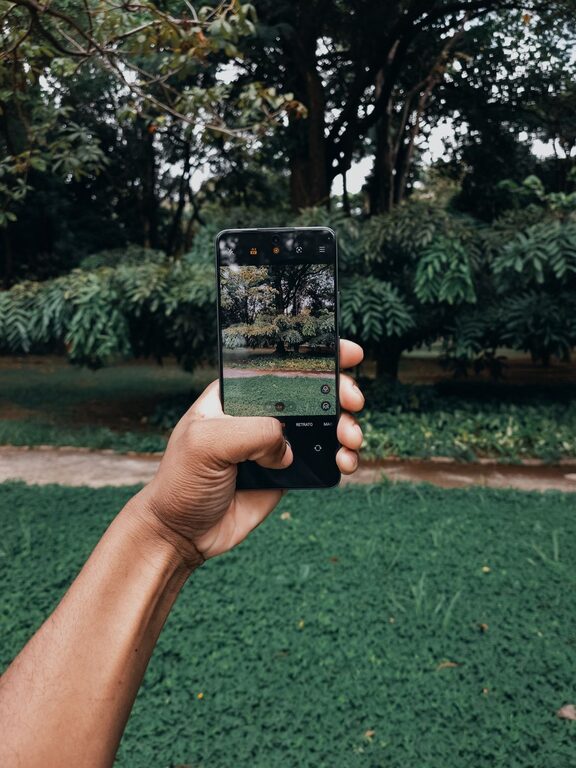
Taking great photos with your phone can be both fun and rewarding. Modern smartphones come equipped with powerful cameras that make photography accessible to everyone. Whether you want to capture memorable moments, beautiful landscapes, or creative shots, improving your phone photography skills is easier than you might think. This guide will provide beginner tips to help you take better phone photos with simple adjustments and techniques.
Understand Your Phone Camera
Before diving into techniques, take some time to explore your phone’s camera app. Most smartphones offer various modes such as portrait, panorama, night, and manual settings. Learn what each mode does and when to use them.
– Explore settings: Experiment with focus, exposure, and white balance.
– Try different lenses: Some phones have multiple lenses like wide-angle or telephoto.
– Update your app: Keep your camera app updated for the latest features.
Use Natural Light Whenever Possible
Lighting is one of the most important factors in photography. Natural light often provides the best results because it is soft and evenly spread.
– Avoid harsh midday sun: Shooting during the golden hours—shortly after sunrise or before sunset—provides warm and flattering light.
– Face the light source: Position your subject so they face the light to avoid shadows on their face.
– Avoid direct flash: Phone flash can be harsh and unnatural; use it only if necessary.
Keep Your Lens Clean
A smudged or dirty lens can cause blurry or hazy photos.
– Simply wipe your lens with a soft cloth regularly to remove fingerprints, dust, or grime.
– Avoid using rough materials that could scratch the lens.
Compose Your Photos Thoughtfully
Composition helps make your photos more interesting and balanced.
Use the Rule of Thirds
Most phone cameras offer a grid overlay option.
– Imagine your screen divided into nine equal sections by two vertical and two horizontal lines.
– Place important elements along these lines or at their intersections for a balanced photo.
Mind the Background
Watch out for distracting elements behind your subject.
– Move around to find a cleaner or more visually appealing background.
– Use simple backgrounds to make your subject stand out.
Experiment with Angles and Perspectives
Try shooting from different heights and angles to add variety.
– Shoot from low angles for a dramatic look.
– Capture bird’s-eye views or close-ups for a fresh perspective.
Focus and Exposure Control
Most phones let you tap the screen to focus on a particular spot. This also adjusts the exposure (brightness) for that area.
– Tap on your subject to ensure it is sharp and well-lit.
– Adjust exposure by sliding your finger up or down if your phone allows.
Keep Your Hands Steady
Blurry photos often result from shaky hands.
– Hold your phone with both hands for stability.
– Lean against a solid surface or use a tripod or phone stand if possible.
– Use the timer feature to avoid shaking from tapping the shutter.
Use Editing Apps to Enhance Your Photos
Editing can help improve colors, brightness, and sharpness.
– Start with simple adjustments like cropping and straightening.
– Try free apps such as Snapseed, VSCO, or Lightroom Mobile.
– Avoid over-editing to keep your photos natural-looking.
Practice, Practice, Practice
The more photos you take, the better you will understand your camera and improve your skills.
– Challenge yourself to take photos every day.
– Review your shots and learn what works and what doesn’t.
– Experiment with different subjects and environments.
—
With these beginner tips, you can start capturing better photos with your phone right away. Remember, great photography is about observation, creativity, and practice more than having expensive equipment. Have fun exploring your phone’s camera and sharing your unique perspective with the world!